


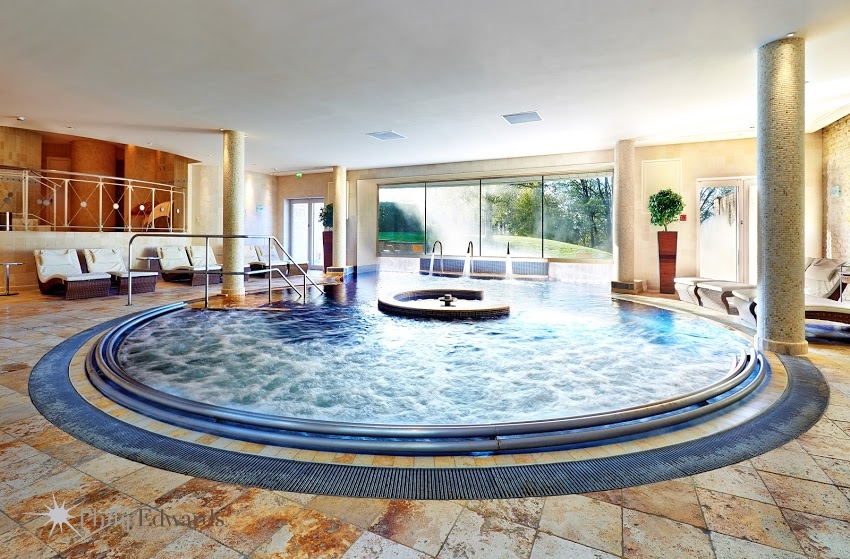
 Whatley Manor Spa
 Thermae Bath Spa Updates Facebook Cover Photo
 Blue Sparrow Apps, Staff Photography and Image Branding for Website
 Lifestyle Photo Shoot for Jenny Hewett Coaching Business
 Nicholas Wylde Bath Shop – Grand Opening
 Thermae Bath Spa – Photography for New Brochure
 Osborne Pike, Bath – Photoshoot for Website
 Didac Training Bristol – Awards Event Photography
Please note that any security study of a business can still be completed on site even without a google tour in existance.
With a google tour, if you are concerned that the inside of the business can be seen online, please consider the following precautions to block the effectiveness of any online security research:
Recommended:
- Blur any security monitors to hide details of camera lines of sight.
Optionally:
Blur or cover security features, such as:
- Safe
- Locks
- Sensors
- Cameras
- Key storage
- Security notices
- Blur ceiling corners with and without cameras to add confusion
- Hide high value price tags
- Remove products from display during a shoot if they are particularly high value
Some examples of blurring of security features
Jewellers with camera monitors blurred:
Jewellers with safe blurred:
Jewellers with sensitive notices and camera monitor blurred:
Outdoor Gear Store with Security Cameras and Monitor blurred out: